
The La Crosse Technology WD9541 weather station relies on two distinct systems: a local sensor (temperature, humidity) and a forecast receiver powered by the Star Météo network of Météo-France. The reset affects the synchronization between these two layers, but it cannot restore anything if the external data flow has been cut off upstream.
Star Météo network shutdown: what the WD9541 reset will not resolve
Since early May 2026, the Star Météo network has ceased broadcasting. According to iGeneration, the judicial liquidation of e*Message France, the operator of the network, followed by its takeover by the Assmann group, has led to the definitive halt of Météo-France forecasts being transmitted to the WD series stations.
La Crosse Technology has confirmed that the Star Météo network will never be restored. The WD models, including the WD9541, are considered obsolete for the forecasting part. Weather icons, three-day forecast temperatures, and alert notifications will remain empty, regardless of the reset procedure performed.
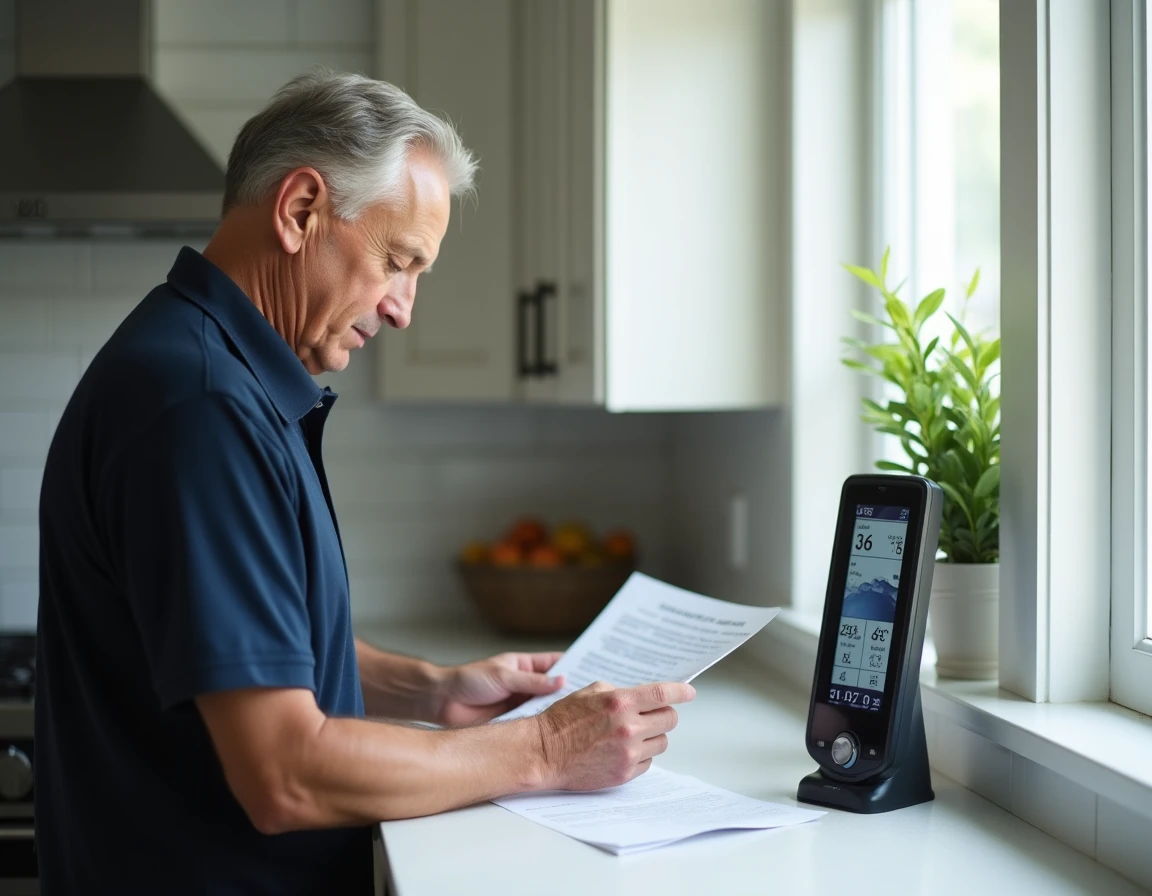
Before initiating a reset, it is essential to identify the actual problem. If the screen no longer displays forecasts but the indoor temperature remains visible, the station is functioning normally within its current limits. The procedure described below allows you to reset the La Crosse Technology WD9541 weather station to correct local malfunctions: loss of signal from the outdoor sensor, frozen temperature data, or partially inactive screen.
Reset button and battery removal: WD9541 reset procedure
The reset of the WD9541 combines two complementary actions. The first is mechanical, the second concerns the power supply.
Locate and use the reset button
At the back of the receiver (the main unit), an opening marked “RESET” is accessible with a thin object, such as a straightened paperclip or a rigid toothpick. A brief press of two to three seconds is sufficient. This button restores the settings to factory defaults: time, date, temperature unit, and registered department are erased.
The outdoor sensor (transmitter) also has a reset button, often located in the battery compartment. It must be reset separately if the signal between the sensor and receiver does not restore.
Power-up order
The order of battery insertion affects synchronization. Proceed as follows:
- Remove the batteries from both the receiver and the outdoor sensor simultaneously. Wait at least one minute to discharge any residual capacitors.
- First, insert the batteries into the outdoor sensor (transmitter). Wait for its light to blink or for the sensor’s screen to activate, indicating that it is emitting a signal.
- Then, insert the batteries into the main receiver. It will then automatically search for the signal emitted by the sensor.
- If the outdoor temperature does not display within a few minutes, press the channel search button (often marked “TX” or “CHANNEL”) at the back of the receiver.
Using new alkaline batteries is a prerequisite that is often overlooked. Partially discharged batteries can cause intermittent signal losses that a reset alone will not fix. Rechargeable batteries, which have a slightly lower nominal voltage, can also cause erratic behavior on this model.
Loss of signal from the outdoor sensor after reset: diagnosis and correction
The loss of communication between the transmitter and receiver is the most common issue after a reset. Several physical factors explain this.
The theoretical range of the signal between the sensor and receiver depends on the environment. A load-bearing concrete wall, a metal partition, or a device emitting on nearby frequencies (baby monitor, Wi-Fi router) significantly reduce the transmission distance. Temporarily bringing the sensor closer to the receiver (within a few meters, in the same room) can confirm that the problem is due to distance or interference, and not a hardware defect.
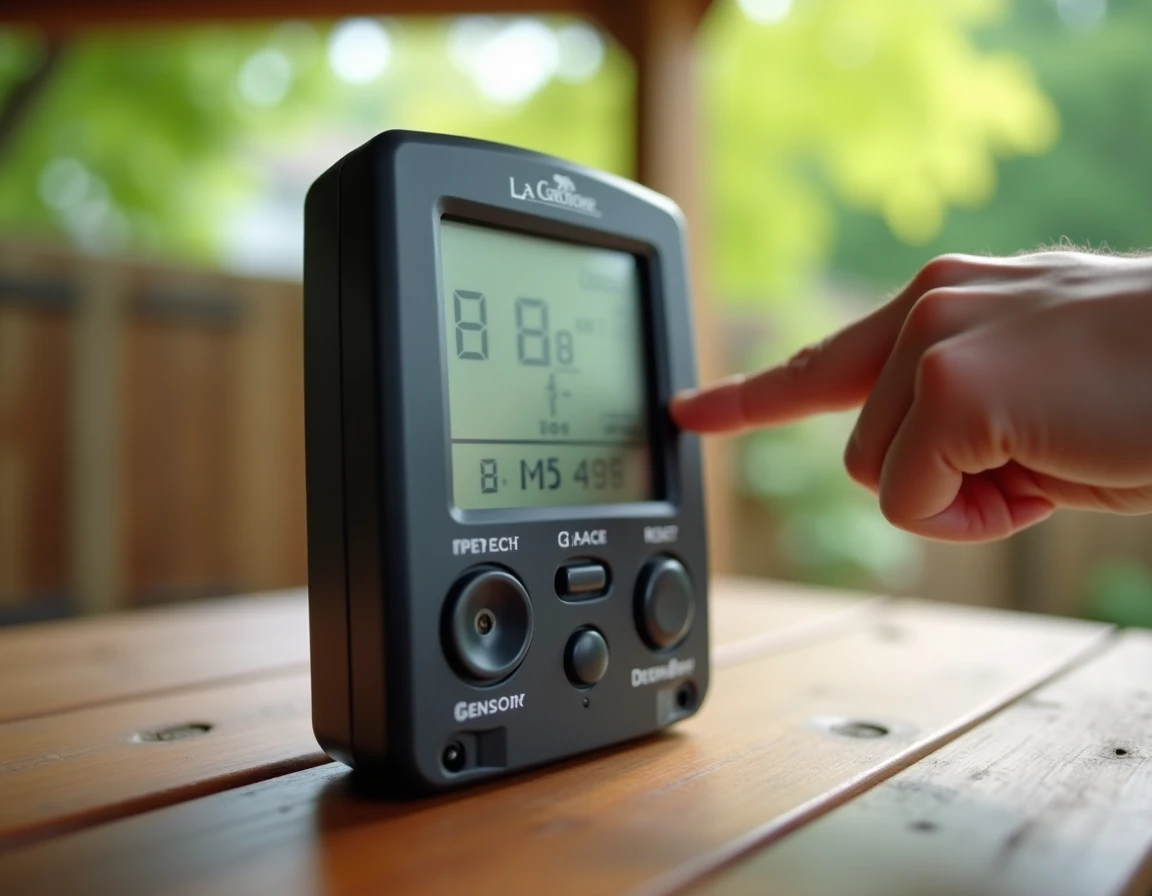
The orientation of the sensor also matters. Placed in a metal enclosure or against an aluminum wall, the transmitter’s signal is weakened. Repositioning it higher and in open air improves reception.
If the signal still does not return after these checks, test the sensor with another set of new batteries. A transmitter with signs of oxidation on the contacts in the compartment requires cleaning with white vinegar before any further attempts.
WD9541 station after 2026: which functions remain usable
With the definitive shutdown of Star Météo, the WD9541 retains only its local measurement capabilities:
- Indoor temperature recorded by the receiver itself.
- Outdoor temperature transmitted by the wireless sensor, provided the radio link is functioning.
- Indoor humidity, continuously displayed on the main screen.
The three-day forecasts, weather icons, rain probabilities, and departmental vigilance data will not return. La Crosse Technology mentions the possibility of contacting customer service to arrange a transition to a Wi-Fi model, which retrieves its forecasts directly via a home internet connection rather than through a long-range radio network.
For recent users, a commercial recourse remains possible with the retailer, depending on the purchase conditions. This information, relayed by iGeneration, is not included in the standard product documentation.
Therefore, the reset of the WD9541 remains useful for maintaining local measurements in working order. It does not restore a service that no longer exists. Checking the battery status, adhering to the power-up order, and distancing sources of interference remain the three concrete levers to get the best out of this station in its current configuration.